 Forward Alpha

TaskHop for iPhone and Android
See time run out.
Hop on time.
A one-screen timer for people who go deep and miss the next thing. Set a time before you start; the whole screen drains like a glass, so a glance from across the room tells you how much is left.
Get it on Google PlayOn the App Store soon
Android 10 or later; iPhone, iOS 26 or later. Free for 14 days, then $6.99 once.
1:00
Write the report · until 2:16 PM
Stop earlythen Call Ana
a one-minute timer, running
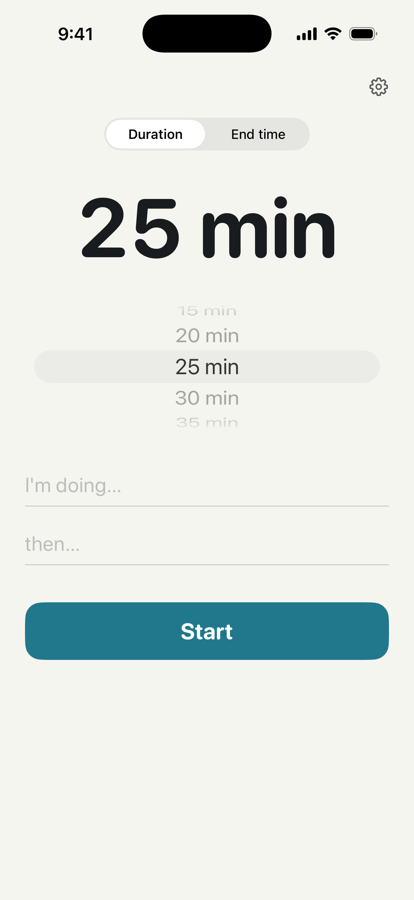
Pick a time. Write two lines.
What you're doing, and what comes next. Or just a time and Start.
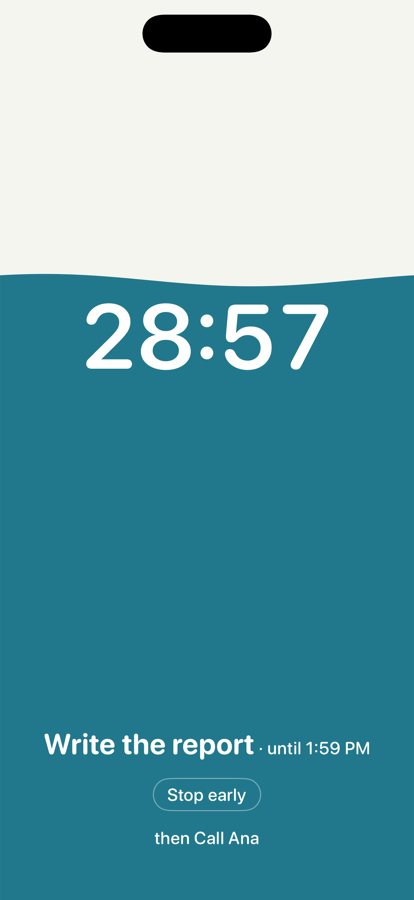
Watch it drain.
Full at the start, empty at the end. The minutes ride the waterline. Teal while there's plenty, amber when there isn't.
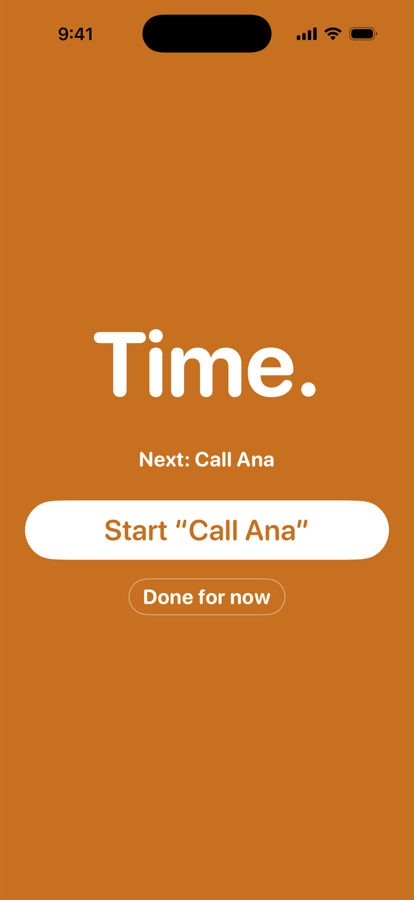
Then the next thing.
At zero, the alarm rings until you stop it. Back in the app, one tap starts the task you wrote down.
It follows you
off the screen.
- Lock Screen and Dynamic Island
- the countdown carries on when the phone is locked.
- StandBy
- on a charger on its side, the glass fills the whole screen.
- Five minutes left
- a soft tone and one line: find a stopping point.
- Zero
- a real alarm, through silent mode and every Focus. No snooze.
Questions
- Why does it ask to allow alarms?
- TaskHop uses Apple's alarm system so the end of a timer rings even on silent. Without it, the timer still runs and ends with a normal notification.
- Why didn't I get the five-minute warning?
- The warning is a notification. Check that Notifications are allowed for TaskHop in Settings, and that a Focus mode is not silencing it. The alarm at zero rings regardless.
- How do I see it on the Lock Screen / in StandBy?
- Start a timer and lock the phone. For StandBy, put the iPhone on a charger on its side.
- I paid on one phone, how do I unlock another?
- Settings in the app, Restore purchase, signed in with the same Apple Account.
- How do I get a refund?
- On iPhone, purchases are handled by Apple: request a refund at reportaproblem.apple.com. On Android, they are handled by Google Play: request one from your Google Play order history.